
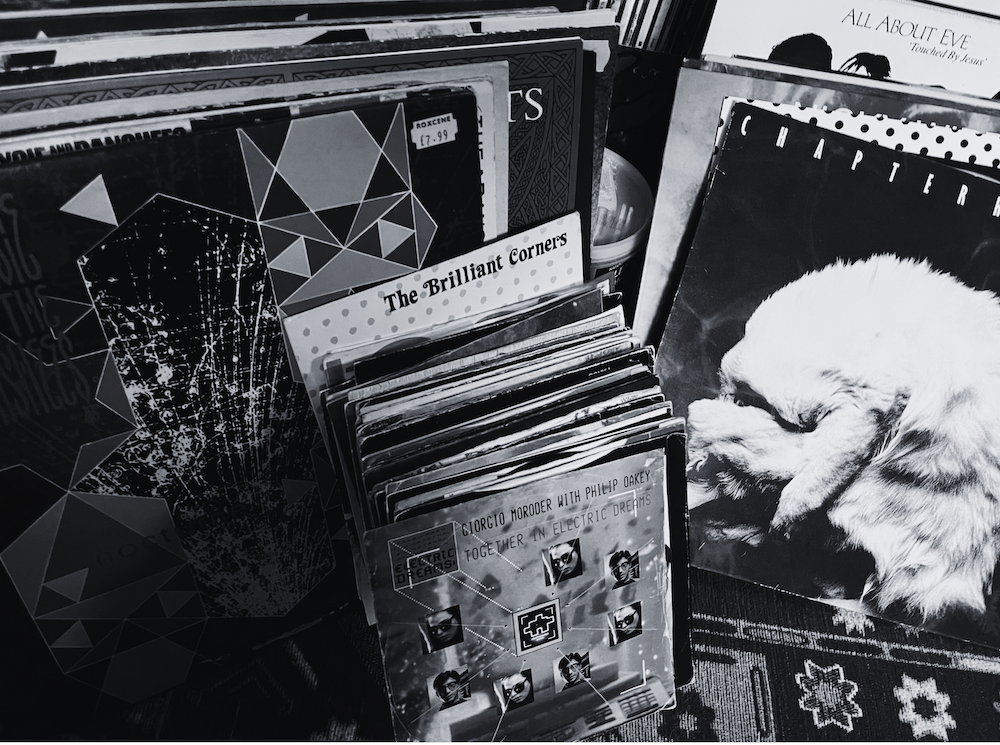
OK, like any respectable middle aged music geek I have way too many records. And, yes, I’ve barely thrown anything away since I was about 12. That includes a massive pile of 7 inch singles starting at the early 80s (can you spot the wonderful Together in Electric Dreams in the pile?)
I’ve rebought a lot on CD, but didn’t have to rebuy much on vinyl – just the odd one that didn’t survive my younger sister using them for skating practice.
On the move, I’m now iPod all the way. I stopped paying for the awfulness that is Spotify a long time ago. Apple Music felt less evil, but I largely was paying to listen to stuff I owned.
My mp3 collection is fine – 11,361 songs apparently, but I still had stuff I loved just on vinyl. I’ve toyed with digitising it before and I have a usb record player, but it’s such a pain. Finding the gaps, adding the meta data, editing, normalising etc.
A couple of days ago I wonder if Claude could do it via Cowork. Heck yes! My instruction was to create individual tracks, get rid of clicks and scratches, normalise the sounds to make the volumes similar.
It took a few iterations – it used dynamic single-pass normalisation first, which made the start noisy if the record was less than perfect. It switched to linear and all good. So it helps to understand a bit what it was doing to sort out some of the quirks, but basically it’s smashed it out the park. I’ll give it’s explanation of how:
Full sequence, start to finish, with the tools named.1. Figure out what I’m actually holding. First I check the file itself with
ffprobe(ffmpeg’s inspector tool) to get its exact duration and format. Then, before touching the audio at all, I go look up the release — usually a web search plus pulling the actual tracklist page from Discogs or Wikipedia. That gets me: how many tracks are on this side, their titles, their official running times, the release year, and genre. This matters because I need those official times as a reference — vinyl rips run at slightly different lengths than the CD/digital version, so I can’t just guess where songs start and stop; I need something to check my guess against.2. Do the math. I add up the official track times for that side and compare the total to the actual file length from
ffprobe. The ratio between them (usually somewhere between 93% and 99%) tells me roughly how much shorter this particular vinyl cut runs, so I can predict where each track boundary should land before I even go looking for it.3. Find the actual gaps. Using ffmpeg’s
silencedetectfilter, I scan the file for quiet stretches — “anything under -35dB for at least 0.8 seconds” as a first pass. Where that misses something (a fainter or shorter gap), I rerun it at -28dB or -20dB with a shorter minimum, more sensitive settings that catch subtler pauses. I check each candidate gap against the predicted timestamps from step 2 — if they land within a couple seconds of each other, I’m confident it’s a real track boundary and not just a quiet drum break.4. Cut each track out. Still ffmpeg, using
-ss(start point) and-to(end point) to slice the individual song out of the long file, trimming the needle-drop noise at the front and dead groove noise at the back.5. Clean it up. Two filters chained together:
adeclickto strip pops and crackle,afftdn(an FFT-based denoiser) to smooth out surface hiss.6. Even out the volume. ffmpeg’s
loudnormfilter, run twice — once to measure the track’s actual loudness and peak level, once to apply the correction using those measurements — targeting -14 LUFS with peaks capped so nothing clips.7. Encode to MP3. ffmpeg with the
libmp3lameencoder at-q:a 0, its highest-quality variable-bitrate setting.8. Tag it. ffmpeg’s
-metadataflags write the artist, title, album, year, genre, and track/disc numbers — the details I gathered back in step 1 — directly into the MP3’s ID3 tags.9. Check my own work. Re-run
loudnormin measurement-only mode on the finished file to confirm it landed at -14 LUFS, and check the duration against the target from step 2.10. File it away. Once a whole release is done, everything gets moved into a folder named “Artist – Album,” grouped by the album tag actually written into the files.


Leave a Reply